

Russia eSIM

 
Premium Tier

Russia Beeline Native 4G

 
Max Speed
300 Mbps
Lightning IconFast & Stable
Data Policy
True Unlimited
No Throttling. No Daily Cap
Experience
Native Local IP
Low Latency

Tech Specs

Network
MegaFon
One of Russia's most trusted network providers.
Coverage
Nationwide Russia
Excellent signal in Moscow, St. Petersburg, Kazan, Novosibirsk & Vladivostok.
Plan Type
Data Only
Use Telegram/WhatsApp/VoIP for calls. No phone number provided.
Activation
Instant (No 24h Block)
Bypass the 1-day roaming delay! 
Hotspot
Supported
Share your connection with other devices.
Support
24/7 Real Human
Live chat support whenever you need help.
Strategic Network Partner
Powered by MegaFon
Beeline
Award
Extensive 4G Coverage
Reliable 4G across Russia—from the Moscow Metro to the Trans-Siberian Railway.
Check
Unrestricted Native Access
Get a true local IP. Bypass roaming blocks and enjoy seamless access to Yandex, VK, Telegram, and local banks.
Lightning
Zero Wait Time
Avoid the mandatory 24-hour delay of standard roaming cards. Connect instantly the second you land.

Source: MegaFon Official Site

$3.99 USD
$13.99 USD
รวมภาษี คำนวณ ค่าขนส่ง เมื่อชำระเงิน
Days & Network traffic

Why people choose FlowGo eSIM?

Why people choose FlowGo eSIM?

Setup FlowGo eSIM in minutes

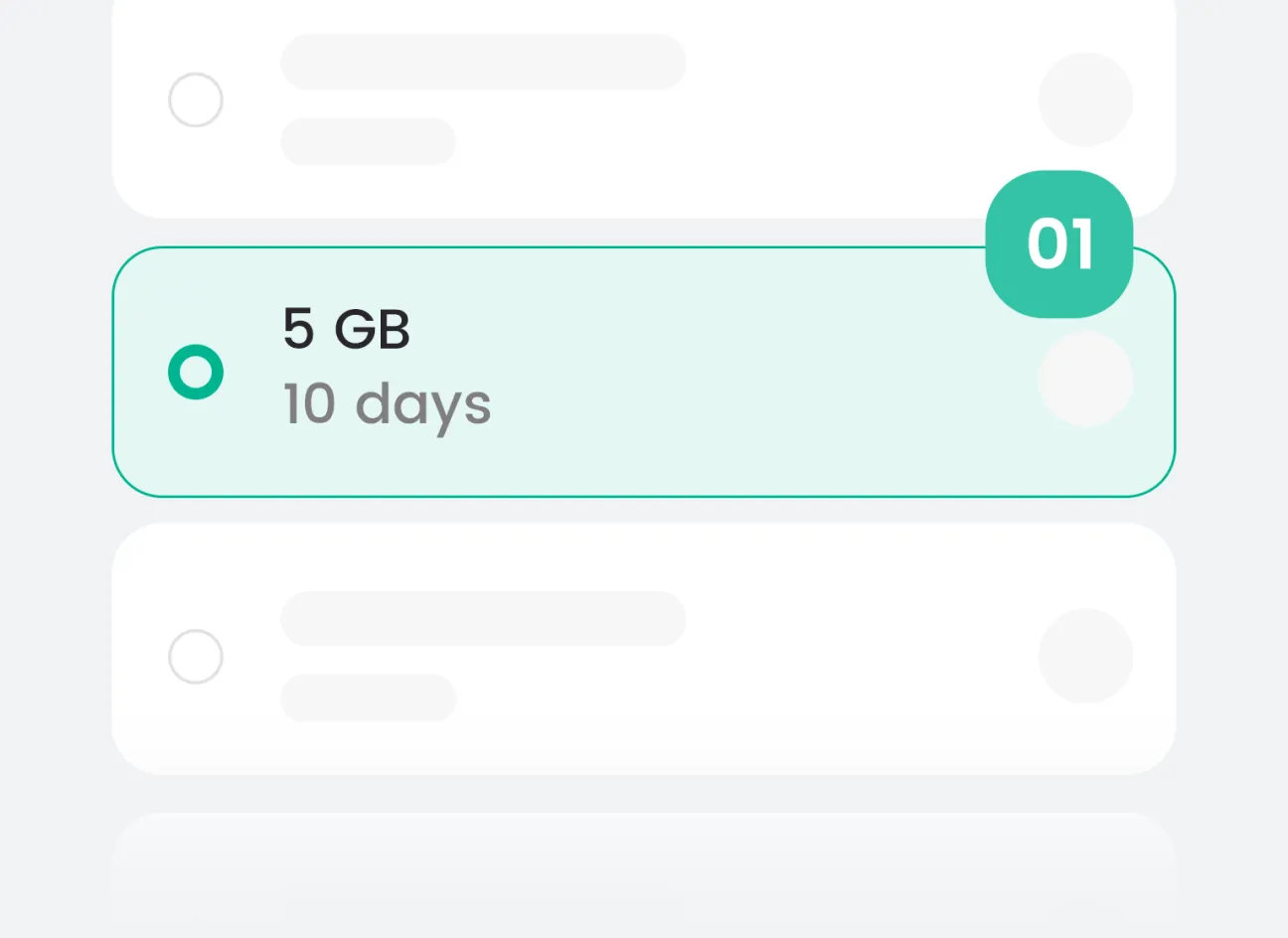
Check & Chose
Verify your phone is eSIM-compatible and unlocked. Pick the plan that fits your trip and check out.
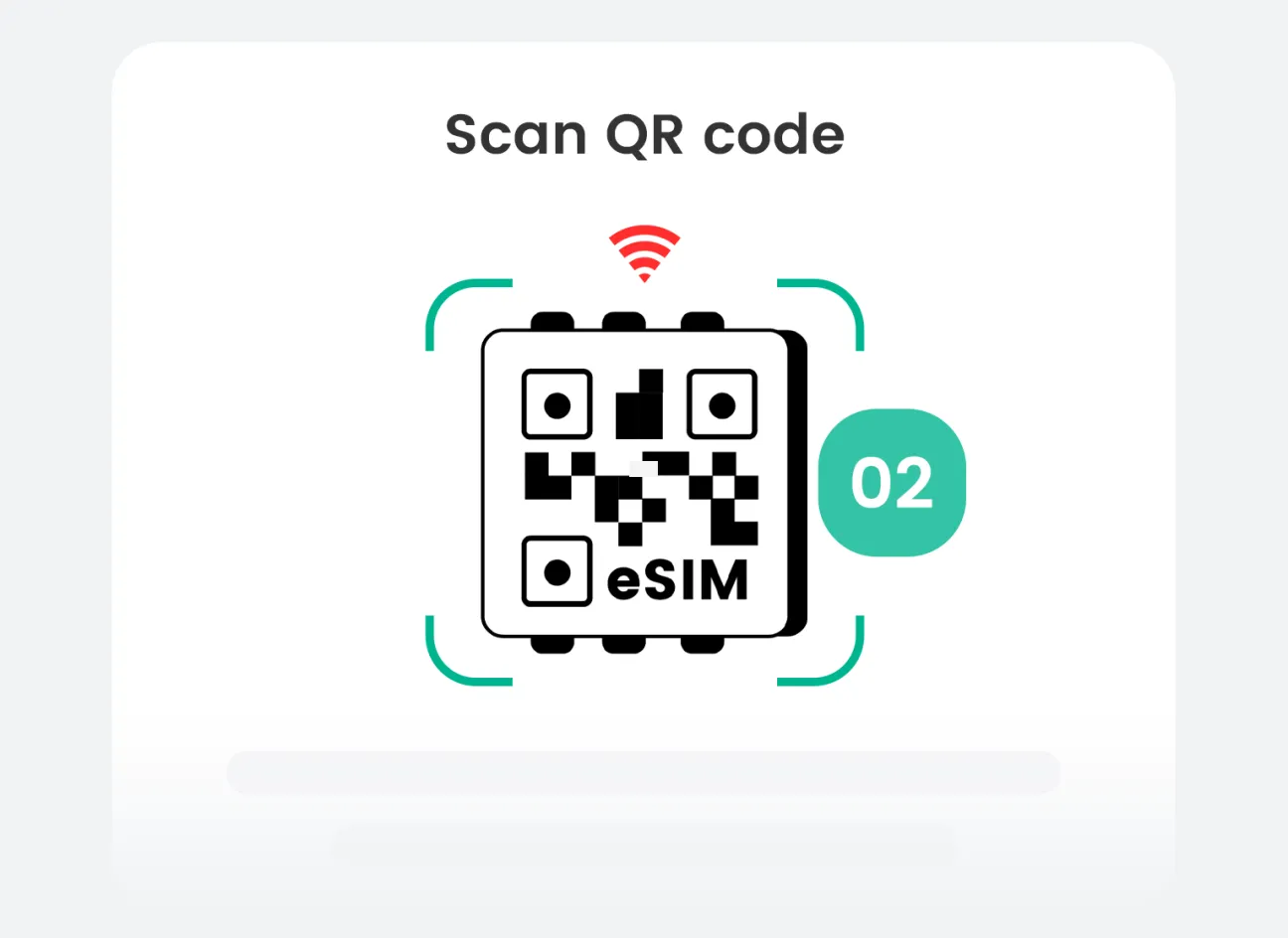
Install Before You Fly
We email your eSIM instantly. On stable Wi-Fi, scan the QR for one-tap install.
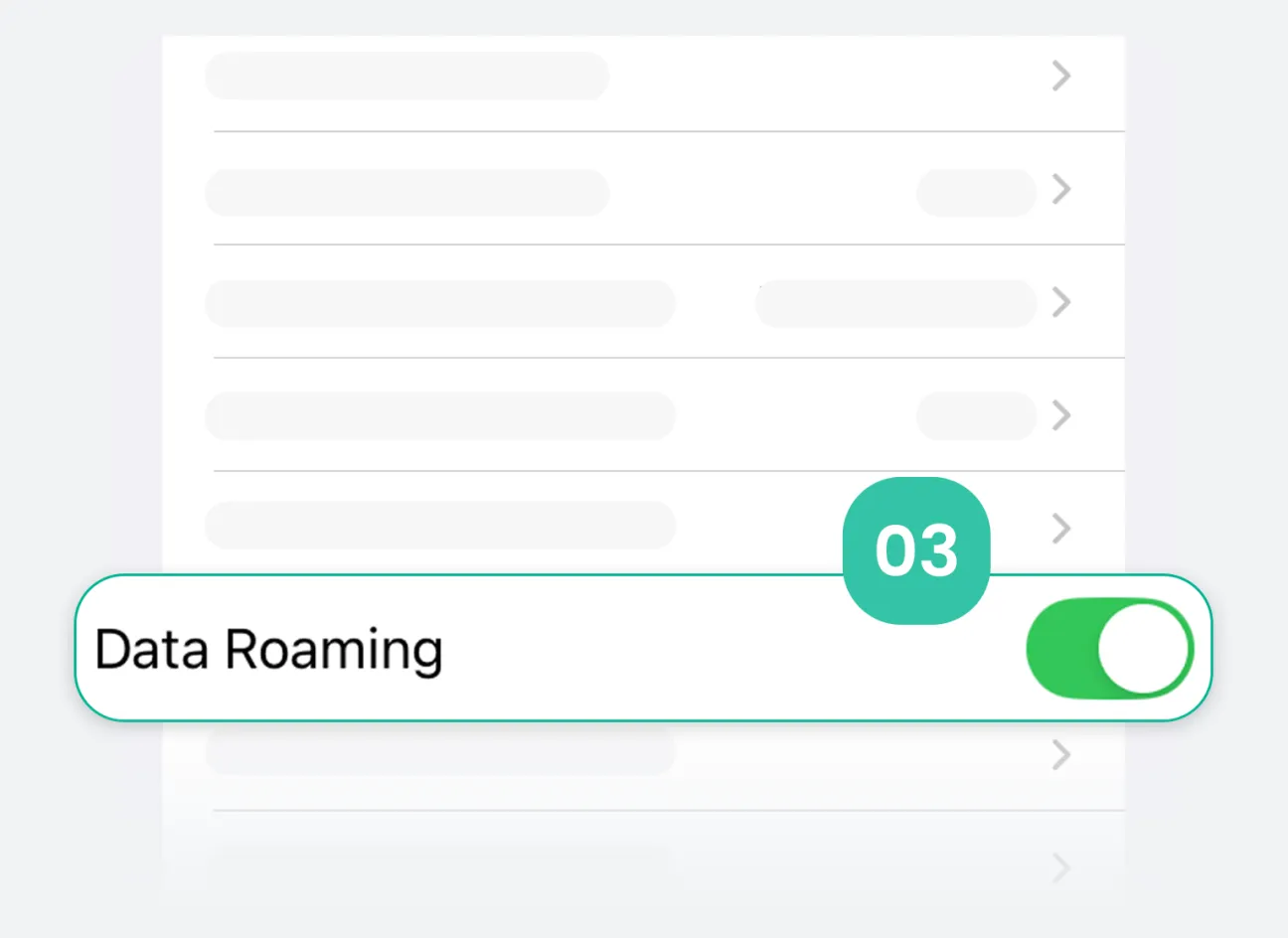
Arrive & Activate
On arrival, enable the FlowGo eSIM line in Settings and, turn Data Roaming: ON. It auto-connects and activates.
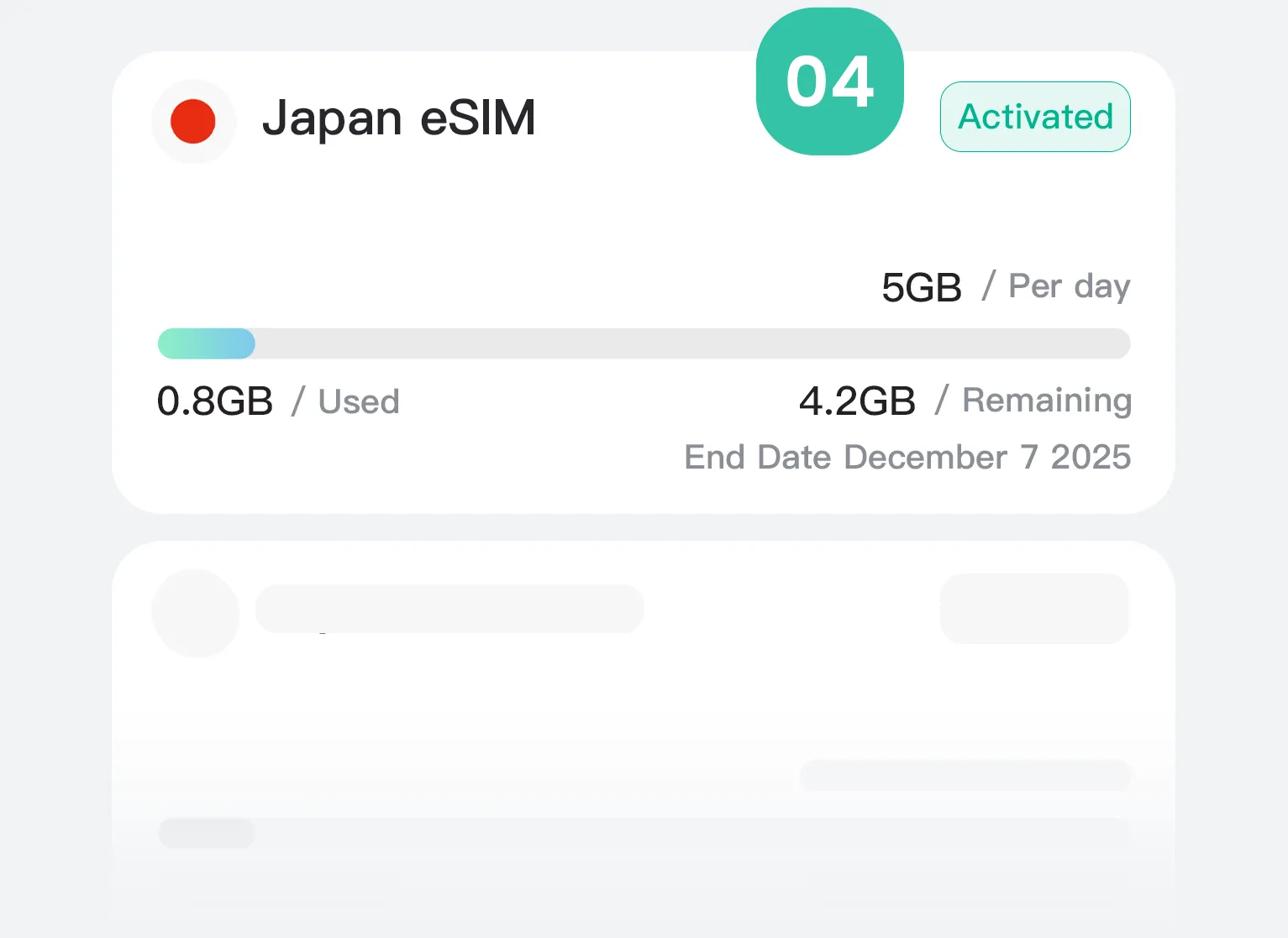
Manage & Add More
Need track available data & days in an App? Coming soon...
Check & Chose
Verify your phone is eSIM-compatible and unlocked. Pick the plan that fits your trip and check out.
Install Before You Fly
We email your eSIM instantly. On stable Wi-Fi, scan the QR for one-tap install.
Arrive & Activate
On arrival, enable the FlowGo eSIM line in Settings and, turn Data Roaming: ON. It auto-connects and activates.
Manage & Add More
Need track available data & days in an App? Coming soon...
1 / 4

Frequently Asked Questions

How to activate my eSIM card?

1. Locate your eSIM information: Open the confirmation email we sent you. A clear QR code will be present in the attachment or email body.

2. Start scanning:
  • On iPhone: Go to Settings > Cellular > Add eSIM. When the scanning window appears, scan the QR code directly. Tap "Continue," wait for activation to complete, and after successful activation, select Business, turn off Wi-Fi, select "Voice & Data," change "Automatic 5G" to "LTE," go back and turn on "Data Roaming," go back to the previous screen, change "Cellular Data" to Business, and you should see "LTE" displayed in the upper right corner to use the network.
  • On Android: Save the QR code, go to Settings > Connections > SIM Manager (or Networks & Internet > Mobile Networks > ... Add a carrier. Select "Add eSIM," scan the QR code, select the saved QR code for recognition, and select "Add" after successful recognition. After successful addition, turn off WiFi selection, return to the connection page, select mobile network, enable data roaming, and restart the network to use the service.

3. Enable Mobile Data: After activation, ensure that in "Cellular" settings, the "Data Roaming" option is enabled for your newly added [your carrier name] number. This is a crucial step for using data services globally.

Can I share my hotspot with my friends?

Yes, please check if the "Personal Hotspot" option is enabled for your eSIM number in your phone's "Cellular" settings.

Will the data be used before reaching the destination?

No, the system will detect your destination and will only start using it after you arrive.

Request a refund?

Unactivated eSIM: If your purchased eSIM data plan is not yet activated, you can apply for a refund within 30 days of purchase. Please provide your order number, and we will process your request.

Activated eSIM: Once the eSIM plan is activated and in use, we cannot provide a refund according to the terms of service. However, you can disable or delete the eSIM configuration in your phone settings at any time.

If you require assistance for special reasons (such as duplicate purchase, activation failure, etc.), please provide your order number and a detailed explanation of the situation. We will review your case individually and respond to you as soon as possible.

ตะกร้าสินค้า

กำลังโหลด