

World Cup 2026 Travel Guide
World Cup 2026 Host Cities: Travel Internet Guide for USA, Canada and Mexico
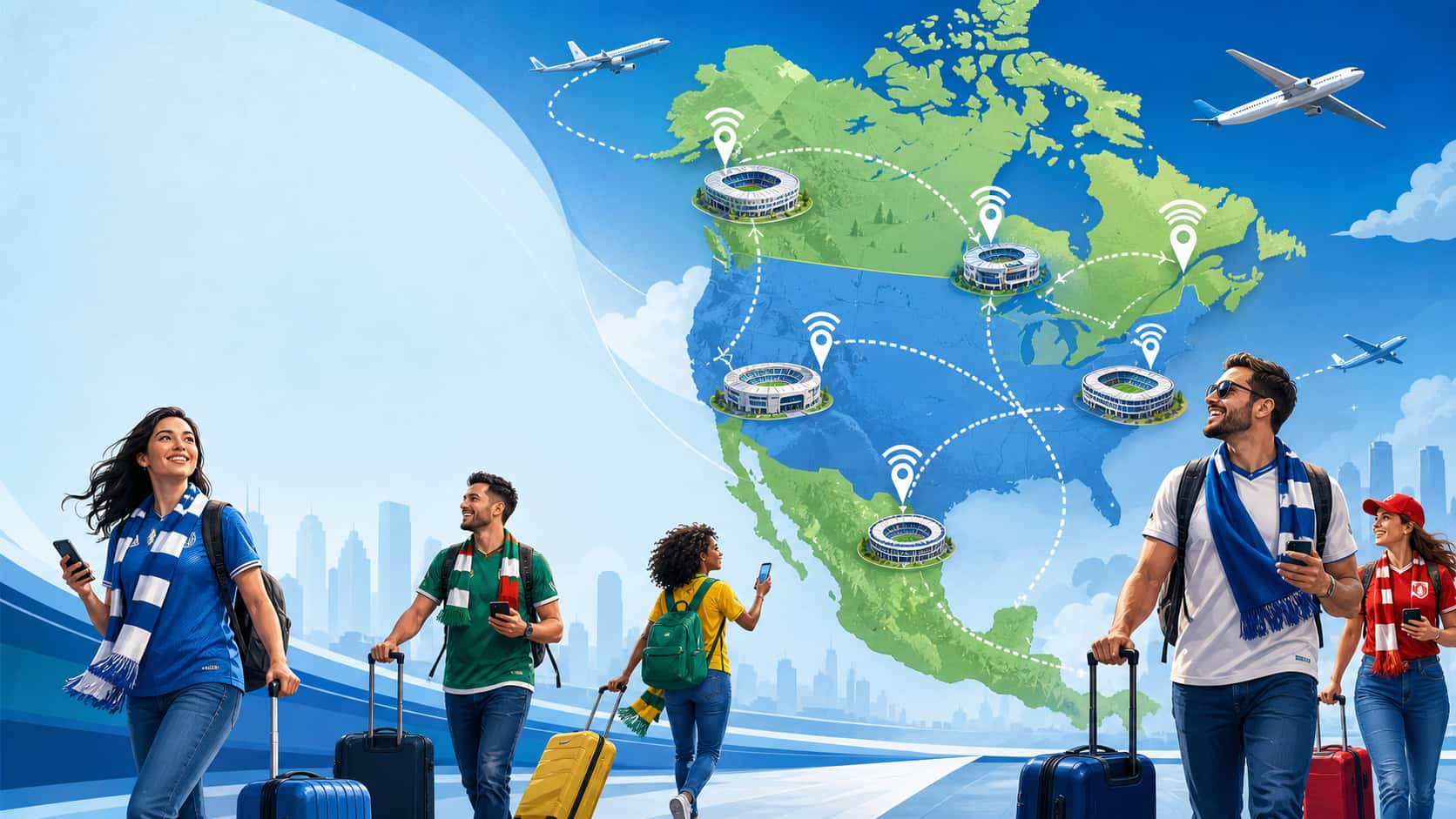
FIFA World Cup 2026 will take place across 16 host cities in the United States, Canada and Mexico. Whether you are flying into one city or following your team across borders, reliable mobile data is essential for stadium tickets, maps, ride apps, translation, group chats and travel changes.
Updated for World Cup 2026 multi-city travel planning.
Quick Answer: Which Cities Are Hosting World Cup 2026?
World Cup 2026 will be hosted in 16 cities across 3 countries: 11 cities in the United States, 2 cities in Canada and 3 cities in Mexico.
- United States: New York / New Jersey, Los Angeles, Dallas, Miami, San Francisco Bay Area, Seattle, Houston, Atlanta, Kansas City, Boston and Philadelphia.
- Canada: Toronto and Vancouver.
- Mexico: Mexico City, Guadalajara and Monterrey.
Traveling Across More Than One Host Country?
If your World Cup 2026 itinerary includes the United States, Canada and Mexico, a regional eSIM is easier than switching physical SIM cards or buying a separate local plan in each country.
The FlowGo USA, Canada & Mexico eSIM helps you stay connected across all three host countries for maps, mobile tickets, ride-hailing, translation and travel updates.
View FlowGo USA, Canada & Mexico eSIMFIFA World Cup 2026 Host Countries and Cities
World Cup 2026 is the first FIFA World Cup hosted by three countries. For fans, this means more travel options, but also more planning around flights, airports, stadium transport, mobile data and cross-border connectivity.
| Country | Number of Host Cities | Host Cities |
|---|---|---|
| United States | 11 | New York / New Jersey, Los Angeles, Dallas, Miami, San Francisco Bay Area, Seattle, Houston, Atlanta, Kansas City, Boston, Philadelphia |
| Canada | 2 | Toronto, Vancouver |
| Mexico | 3 | Mexico City, Guadalajara, Monterrey |
Why Mobile Internet Matters in Every Host City
World Cup travel is not like a normal vacation. Match days are crowded, transportation routes may change, stadium areas may have traffic restrictions and fans often need to access mobile tickets at the gate.
- Mobile tickets: You may need data to open ticket apps or refresh stadium entry pages.
- Navigation: Many stadiums are outside city centers, including MetLife Stadium, SoFi Stadium, AT&T Stadium and Gillette Stadium.
- Ride-hailing: Uber and Lyft are important in cities where public transport to the stadium is limited.
- Translation: In Mexico City, Guadalajara, Monterrey and parts of Miami or Houston, translation apps can be very useful.
- Group coordination: WhatsApp, iMessage and social apps are essential when traveling with friends.
USA Host Cities: Internet and eSIM Tips
The United States has 11 World Cup 2026 host cities. Some venues are easy to reach by rail, while others depend heavily on ride-hailing. Here is how to plan your mobile data by city.
New York / New Jersey
Venue: MetLife Stadium, East Rutherford, New Jersey
MetLife Stadium is not in Manhattan. Most fans will use NJ Transit from New York Penn Station to Secaucus Junction, then transfer to the Meadowlands Rail Line. You need mobile data for NJ Transit schedules, train updates, digital tickets and post-match ride-hailing.
Key apps: NJ Transit, Google Maps, Uber, Lyft.
Los Angeles
Venue: SoFi Stadium, Inglewood, California
SoFi Stadium is in Inglewood, near LAX but not directly connected to the airport by rail. LA is a car-heavy city, so visitors often rely on Uber, Lyft and real-time traffic apps. After matches, pickup zones can be crowded and surge pricing may apply.
Key apps: Uber, Lyft, LA Metro, Waze, Google Maps.
Dallas
Venue: AT&T Stadium, Arlington, Texas
AT&T Stadium is in Arlington, between Dallas and Fort Worth. Arlington does not have direct rail service to the stadium, so ride-hailing and event shuttles are important. Mobile data is useful for long-distance rides, route changes and pickup coordination.
Key apps: Uber, Lyft, Google Maps, DART.
Miami
Venue: Hard Rock Stadium, Miami Gardens, Florida
Hard Rock Stadium is north of downtown Miami and Miami Beach. Public transport options are limited, so many fans use Uber or Lyft. Miami is also a multilingual city, and Spanish is widely spoken, making translation apps useful for international visitors.
Key apps: Uber, Lyft, Google Maps, Google Translate.
San Francisco Bay Area
Venue: Levi’s Stadium, Santa Clara, California
Levi’s Stadium is in Santa Clara, not downtown San Francisco. Fans may need to combine BART, Caltrain and VTA Light Rail depending on where they stay. Mobile data helps with transfers, schedules and delay updates.
Key apps: BART, Caltrain, VTA, Uber, Google Maps.
Seattle
Venue: Lumen Field, Seattle, Washington
Lumen Field is one of the most convenient stadiums for public transport. It is close to downtown and accessible by Link Light Rail. Mobile data is still important for airport transfers, transit updates and post-match coordination.
Key apps: Sound Transit, King County Metro, Uber, Google Maps.
Houston
Venue: NRG Stadium, Houston, Texas
NRG Stadium is connected by the METRORail Red Line, which makes it easier than many U.S. venues. Houston is very spread out, so you may still need ride-hailing for hotels, restaurants and airports.
Key apps: METRORail, Uber, Lyft, Google Translate.
Atlanta
Venue: Mercedes-Benz Stadium, Atlanta, Georgia
Mercedes-Benz Stadium is located downtown and is served by MARTA, including the GWCC/CNN Center station. Atlanta is one of the easier U.S. host cities for airport-to-stadium transit, but mobile data is still needed for MARTA schedules and digital tickets.
Key apps: MARTA, Uber, Google Maps.
Kansas City
Venue: Arrowhead Stadium, Kansas City, Missouri
Arrowhead Stadium is east of downtown Kansas City and does not have direct rail access. Fans should plan for shuttles, taxis or ride-hailing. Reliable mobile data is especially important when leaving the stadium after a crowded match.
Key apps: Uber, Lyft, RideKC, Google Maps.
Boston
Venue: Gillette Stadium, Foxborough, Massachusetts
Gillette Stadium is in Foxborough, around 30 miles from Boston. For major events, MBTA may operate special commuter rail service. Data is useful for rail schedules, transfer planning and pickup coordination if you stay in Boston.
Key apps: MBTA, Uber, Google Maps.
Philadelphia
Venue: Lincoln Financial Field, Philadelphia, Pennsylvania
Lincoln Financial Field is part of the South Philadelphia Sports Complex and can be reached by SEPTA Broad Street Line. It is one of the easier stadiums to access by public transport, but mobile data helps with schedules, digital tickets and ride-hailing after the match.
Key apps: SEPTA, Uber, Google Maps.
Canada Host Cities: Internet and eSIM Tips
Canada hosts World Cup 2026 matches in Toronto and Vancouver. Both cities have strong public transport, but if you are crossing from the U.S. into Canada, your eSIM plan must include Canada coverage.
Toronto
Venue: BMO Field, Exhibition Place, Toronto
BMO Field is located at Exhibition Place, close to downtown Toronto. Fans can use TTC streetcars from Union Station and regional GO Transit connections. If you fly into Toronto Pearson Airport, the UP Express connects the airport to Union Station.
Key apps: TTC, UP Express, GO Transit, Uber, Google Maps.
Vancouver
Venue: BC Place, Vancouver
BC Place is in downtown Vancouver and is easy to reach by SkyTrain. Vancouver International Airport connects to downtown via the Canada Line. This makes Vancouver one of the easiest World Cup 2026 host cities for public transport.
Key apps: TransLink, Uber, Google Maps.
Mexico Host Cities: Internet and eSIM Tips
Mexico hosts matches in Mexico City, Guadalajara and Monterrey. For non-Spanish-speaking travelers, mobile data is especially useful for translation, ride-hailing and local navigation.
Mexico City
Venue: Estadio Azteca, Mexico City
Estadio Azteca is in the south of Mexico City. Fans can use Metro Line 2 to Tasqueña and then the Tren Ligero to Estadio Azteca station. Google Maps and Google Translate are highly useful for metro navigation, menus, signs and local communication.
Key apps: Uber, Google Maps, Google Translate, Metro CDMX.
Guadalajara
Venue: Estadio Akron, Zapopan
Estadio Akron is located in Zapopan, outside central Guadalajara. Visitors may use ride-hailing, Macrobus or light rail depending on hotel location. Data is helpful for route planning and Spanish translation.
Key apps: Uber, Google Maps, Google Translate, Mi Transporte.
Monterrey
Venue: Estadio BBVA, Guadalupe
Estadio BBVA is in Guadalupe, east of Monterrey city center. Monterrey is the closest Mexican host city to the U.S. border, so some fans may combine Monterrey with Dallas or Houston. A USA, Canada and Mexico eSIM is useful for this type of route.
Key apps: Uber, Google Maps, Google Translate, Monterrey Metro.
Multi-City and Cross-Border World Cup Travel
Many fans will not stay in one city. Some will follow their national team across multiple venues, while others will combine matches with sightseeing across the United States, Canada and Mexico.
USA to Canada
If you travel from a U.S. host city to Toronto or Vancouver, a U.S.-only eSIM will not be enough. Your plan must include Canadian coverage, or your data may stop working after arrival.
USA to Mexico
Fans traveling between Texas host cities and Mexican host cities should use a regional eSIM that covers both the United States and Mexico. This avoids buying a new SIM card after crossing the border.
Best Option for Three-Country Travel
For fans visiting all three host countries, a USA, Canada and Mexico eSIM is the simplest option. You install once and keep using data across all World Cup 2026 host countries.
How to Choose the Right eSIM Plan for World Cup 2026
The right eSIM depends on where you travel, how many days you stay and how much data you use. Match days usually need more data than normal sightseeing days because of tickets, maps, group chats, ride apps and social uploads.
| Travel Scenario | Coverage Needed | Recommended eSIM Type |
|---|---|---|
| Only attending matches in U.S. cities | USA | USA eSIM or North America regional eSIM |
| Only attending matches in Canada | Canada | Canada eSIM or North America regional eSIM |
| Only attending matches in Mexico | Mexico | Mexico eSIM or North America regional eSIM |
| Following a team across multiple countries | USA + Canada + Mexico | USA, Canada and Mexico regional eSIM |
For data size, many fans should plan around 1GB to 2GB per normal travel day and 1.5GB to 3GB per match day. For detailed estimates, read How Much Data Do I Need for Travel?
World Cup 2026 Host Cities: Quick Reference
Use this table to quickly compare host cities, venues and main transport options.
| City | Country | Venue | Main Transport |
|---|---|---|---|
| New York / New Jersey | USA | MetLife Stadium | NJ Transit + ride-hailing |
| Los Angeles | USA | SoFi Stadium | Uber / Lyft + LA Metro |
| Dallas | USA | AT&T Stadium | Ride-hailing / shuttles |
| Miami | USA | Hard Rock Stadium | Ride-hailing |
| San Francisco Bay Area | USA | Levi’s Stadium | BART + Caltrain + VTA |
| Seattle | USA | Lumen Field | Link Light Rail |
| Houston | USA | NRG Stadium | METRORail Red Line |
| Atlanta | USA | Mercedes-Benz Stadium | MARTA |
| Kansas City | USA | Arrowhead Stadium | Ride-hailing / shuttles |
| Boston | USA | Gillette Stadium | MBTA Commuter Rail |
| Philadelphia | USA | Lincoln Financial Field | SEPTA Broad Street Line |
| Toronto | Canada | BMO Field | TTC streetcar |
| Vancouver | Canada | BC Place | SkyTrain |
| Mexico City | Mexico | Estadio Azteca | Metro + Tren Ligero |
| Guadalajara | Mexico | Estadio Akron | Ride-hailing + local transit |
| Monterrey | Mexico | Estadio BBVA | Metro + ride-hailing |
eSIM Setup Tips Before Your World Cup Trip
- Check phone compatibility first: Make sure your phone supports eSIM and is unlocked. See the eSIM compatible devices list.
- Install before departure: Install your eSIM on stable Wi-Fi before you fly.
- Turn off primary SIM data roaming: This helps avoid unexpected roaming charges. Read How to Avoid Roaming Charges During World Cup 2026.
- Save your QR code offline: Keep your eSIM installation details in your email, files app or screenshots.
- Test before match day: Open maps, send a message and confirm mobile data works before going to the stadium.
- Avoid common mistakes: Read World Cup 2026 eSIM Mistakes to Avoid.
Stay Connected Across All World Cup 2026 Host Cities
Whether you are attending one match in New York or following your team from Toronto to Mexico City, the FlowGo USA, Canada & Mexico eSIM covers all three World Cup 2026 host countries in one plan.
Install before you leave home. Connect immediately after landing. No physical SIM card swaps. No roaming surprises.
View FlowGo USA, Canada & Mexico eSIMRelated Travel eSIM Guides
FAQ: World Cup 2026 Host Cities and Travel Internet
How many cities are hosting World Cup 2026?
World Cup 2026 will be hosted in 16 cities across the United States, Canada and Mexico.
Which countries are hosting World Cup 2026?
The host countries are the United States, Canada and Mexico.
Do I need a different SIM card for each host country?
No. If you use a regional eSIM that covers the USA, Canada and Mexico, you can use one plan across all three countries.
Can I use a USA-only eSIM in Canada or Mexico?
Usually no. A USA-only eSIM is designed for the United States. If your trip includes Toronto, Vancouver, Mexico City, Guadalajara or Monterrey, choose a regional plan that includes those countries.
How much data do I need for World Cup 2026 travel?
Most fans should plan around 1GB to 2GB per normal travel day and 1.5GB to 3GB per match day. If you upload videos, use TikTok, make video calls or share hotspot, choose more data.
Which host cities need ride-hailing the most?
Dallas, Miami, Kansas City and Los Angeles are especially dependent on ride-hailing or shuttles because the stadiums are not as directly connected by public rail as cities like Vancouver, Seattle, Atlanta or Philadelphia.